
What is navigation management
Navigation management is a back-office functionality that allows you to organize navigation across the platform. Navigation is kept consistent so that visitors can easily find the information that they are looking for.
Main Navigation is always available on the left-hand side of the platform. It organizes Universes into two sections: Recommended and Legacy. When expanded, the navigation shows Universe icons and names. When collapsed, the navigation shows only icons. After setting a Navigation highlight when configuring a Universe, you can reorder Universes in Main Navigation settings.
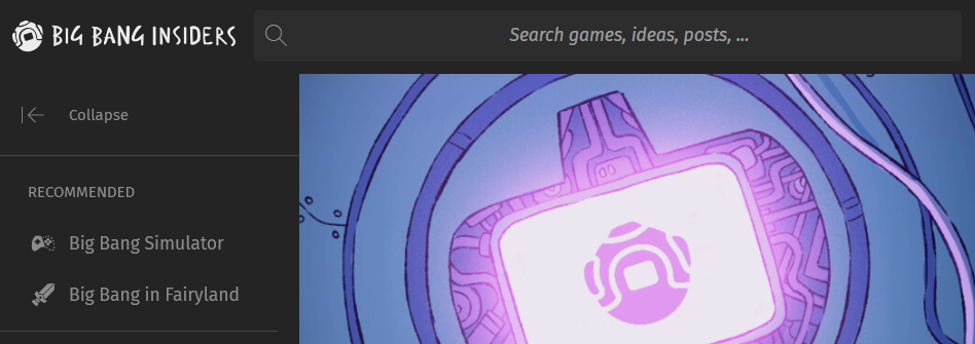
An example of Main Navigation
Studio Navigation displays the Universes associated with the Studio. You can reorder Universes in the page menu to tailor the menu to the needs of the Studio.
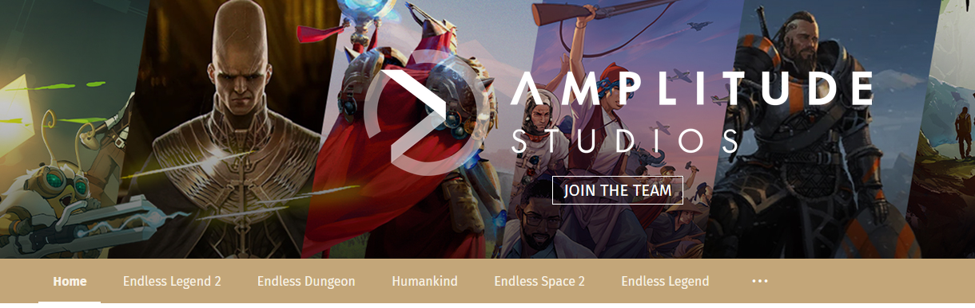
An example of Studio Navigation