
How to create a Studio
Who can create a Studio?
Only Admins can create a new Studio.
Where can I create a Studio?
You can create a Studio in the back office. Click on “Pages” in the “Manage” menu.
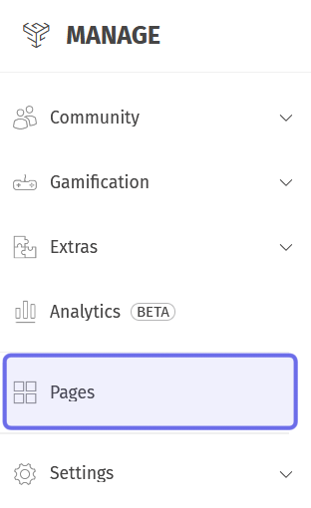
The “Manage” menu is pictured above. “Pages” is highlighted in purple.
How do I create a Studio?
To create a new Studio, click “Create” on the right-hand side of the page. Two options will drop down.
Note: You will need to know what you want to name your Studio before you create it.
Select “Studio” from the dropdown.

The “Pages” header is shown above. The “Create” button is highlighted in purple. “Studio” in the dropdown is highlighted in yellow.
A window will pop up that asks for a name for your Studio. Enter your Studio name in the “Studio name” field. There is a limit of 50 characters.
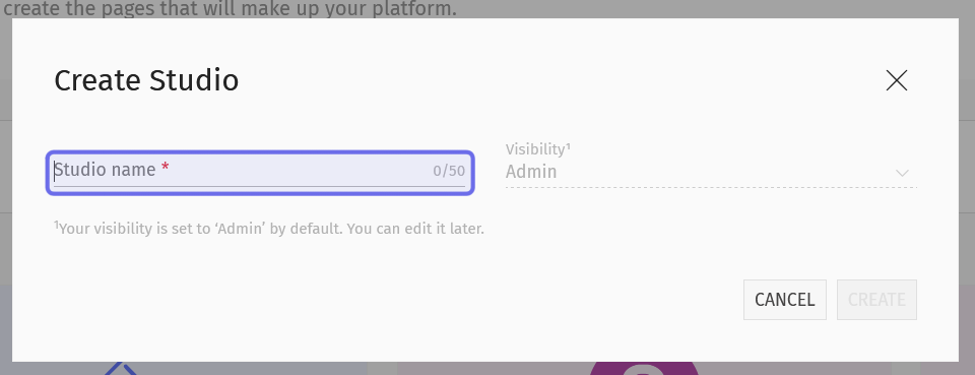
The “Create Studio” window is pictured above. The “Studio name” field is highlighted in purple.
Then, click “Create.”
A message will appear in the bottom right confirming that the Studio has been created. If you realize you have made an error, you can quickly click “Undo.” The Studio will not be created. (You can also delete the Studio later.)
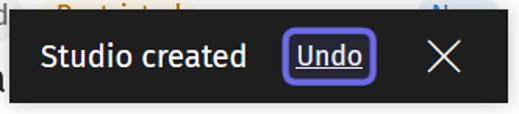
The link to undo Studio creation in the confirmation message is highlighted in purple above.
Your new studio will only be visible to Admins when it is first created. This gives you the chance to configure and customize your Studio before it is released to the public. You can change the visibility later in Studio settings.
The new Studio will appear on the page. Click on the Studio to finish setting it up.
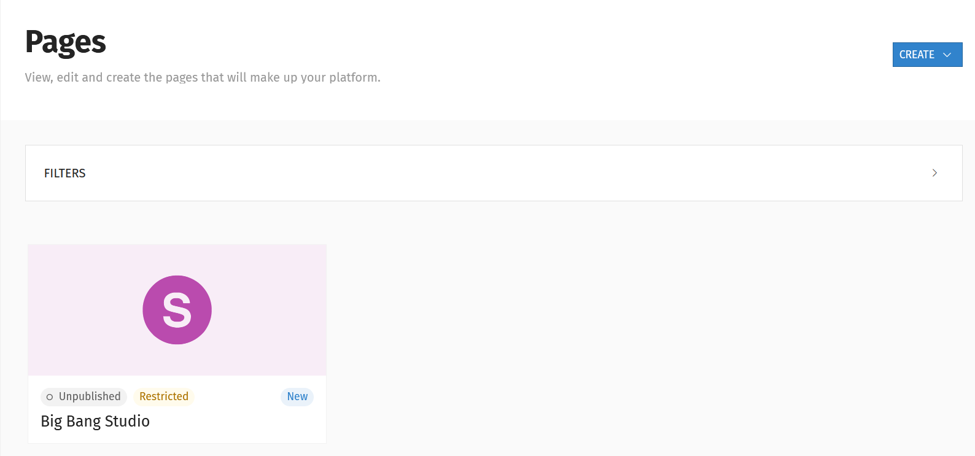
“Pages” is shown with a new Studio displayed.